The new Audio Overview feature in Google‘s AI tool, NotebookLM, allows you to create realistic podcast-like conversations from webpages, slides, PDFs, uploaded text, and more.
Google describes this feature as providing “lively ‘deep dive’ discussions that summarize the key topics in your sources.” Using Google’s own proprietary LLM (large language model), Gemini 1.5 Pro, the resulting “podcast” is a conversation between two AI-generated hosts who introduce and talk through the source material you feed in.
It can be anything from a few minutes long to around the 20-minute mark and the length seems randomly generated; it’s not possible to choose how long you want the conversation to come in at. However, the audio is generated as a WAV file and can be downloaded and edited by the user.
This conversation between two hosts takes a few minutes to generate and is in addition to a text summary and prompts to help create a FAQ, study guide, briefing document and other helpful ways of quizzing the source material. It also creates personalized prompts such as, “What are the main themes explored?” or, “What are the potential implications of this research?”
1. Create ‘Expert’ Podcasts on the Go
Have you ever wanted to get through a 50-page work report or understand a new research paper while completing your morning workout? NotebookLM is Google’s answer to ChatGPT, but for individual, curated projects, and thanks to a new Audio Overview feature, it can take in reams of information and output it in an easy-to-listen-to conversation format that sounds like a podcast.
What is important to note is that each individual notebook created within the web app is self-contained; NotebookLM becomes an expert in the topic, relying only on the source material rather than pulling in outside references and drawing on its own training as a language model. Anything cited within the audio conversation comes from your chosen materials alone.
2. Turn a slide deck into an audio summary
NotebookLM doesn’t just summarize PDFs and text documents; it can import presentations, slide decks, charts, and images in the form of Google Slides. Even if your presentation doesn’t have much text, Audio Summary can draw inferences from imagery.
We tested an image-heavy set of slides (from a fictional keynote we created) with nine posters from popular science fiction movies—the only text we provided was the title of the talk (“Science fact versus science fiction”). This generated six and a half minutes of audio discussing the science portrayed in movies like Gravity and Armageddon, discussing their real-world accuracy.
This is a bit of a hack or workaround for the fact that it won’t allow the upload of any imagery right now; whatever images (charts, movie posters, photos) you place on a Google Slides file will be available for analysis and can be fed into the audio summary.
3. Create a Novel Audio Resume
If you feel like getting creative with promoting your resume or LinkedIn profile, NotebookLM takes URLs as well as PDFs and .txt files. Simply feed in the details and it generates a conversation all about your education, work history, special skills and notable achievements.
The resulting audio file could be sent out with a job application or posted on your online. It’s also a handy way of reviewing your resume for an update, hearing what your life achievements sound like in podcast form.
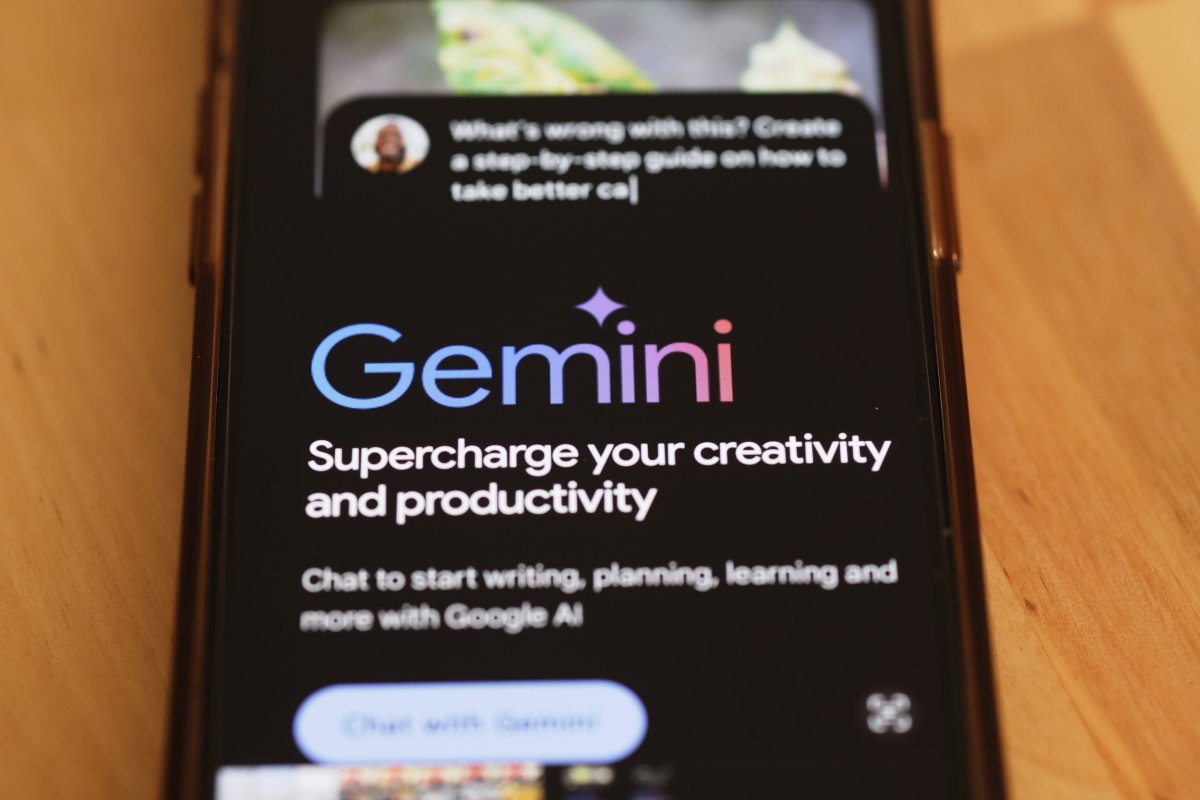
Google Gemini is seen on a phone on March 18, 2024, in New York City. Gemini is the GenAI powering Google NotebookLM’s new Audio Overview conversation generation feature.
Michael M. Santiago/Getty Images
4. Combine With Other AI Tools to Create a Video Podcast
Sure, Google’s Audio Summary sounds very convincing, but perhaps you want to take it further and create a video podcast to upload to your YouTube channel. Try combining NotebookLM with a generative AI web app like Hedra that allows for uploading audio and imagery, as well as creating them using prompts, it then mixes these to create a custom video that animates the image with the audio provided.
To do this using NotebookLM, download and drag the WAV file you’ve created inside your notebook into Hedra, upload an image or use a prompt to generate a unique AI image and this GenAI tool will create a video to go with your audio. Results will vary but, depending on the image used, it’s possible to get a reasonably realistic avatar narrating your podcast.
Because Audio Summary has two hosts, one female, one male, it will require two onscreen speakers in the video. This will involve a bit of tricky audio editing to separate the speakers and upload their audio individually to Hedra to match each with their own avatar. If you have the time, it could be worth it to turn your stack of Medium posts into a YouTube channel for a whole new audience.
5. Create an Instructional/Educational Video
Using a freemium tool like Descript, it’s possible to create animated transcripts of the document or website of your choice. Whether you’re converting lecture notes, a blogpost or even a website into an audio summary, this can be uploaded to a tool like Descript to create an accompanying read-along transcript with background animations.
Ideally, this format would sit well on YouTube, but could also be embedded into a website, blog or posted on social media. It’s not as fancy as supplying a custom avatar, but works well for following along where the user might have to intermittently mute the audio but still get the gist of the conversation. Simply generate the audio overview in NotebookLM, upload to Descript, and add captions, background effects, or text animations to bring it to life.
A Few Caveats on NotebookLM’s Audio Summary Feature
This free tool is powerful and the end result is natural sounding conversation, however, it is still in experimental mode and so Google warns users that “NotebookLM may still sometimes give inaccurate responses, so you may want to confirm any facts independently.”
These podcasts use the same two male and female voices each time so you can expect a lot of similar sounding audio products making their way onto YouTube, Spotify and further afield. Until Google expands options for different voices, accents, and languages, it may be better tool hold off using this as a professional tool for your podcast.
Newsweek has reached out to Google via email for comment.